A guest’s first digital touchpoint is often a link: the check-in invitation, a reminder email, or the “complete your registration” message right after booking. If that URL looks generic or unfamiliar, guests hesitate—especially when they’re asked to share personal data, verify an ID, or make a payment.
That’s exactly why Chekin’s Branded Guest App evolved beyond “just a check-in page” into a fully brandable guest experience—now including check-in custom domains that make every guest-facing link look and feel like you, not a third-party tool.
The evolution: from generic links to fully branded guest experiences
For many vacation rental managers and hotels, branding used to stop at the logo in an email signature. But guest expectations changed: they want a seamless, consistent experience from booking to arrival.
Chekin’s Branded Guest App was built to bring that consistency into the check-in flow—letting you customize key brand elements like logo, colors, fonts, and domain, and preview changes in real time.
The next natural step was removing the “generic link” problem entirely:
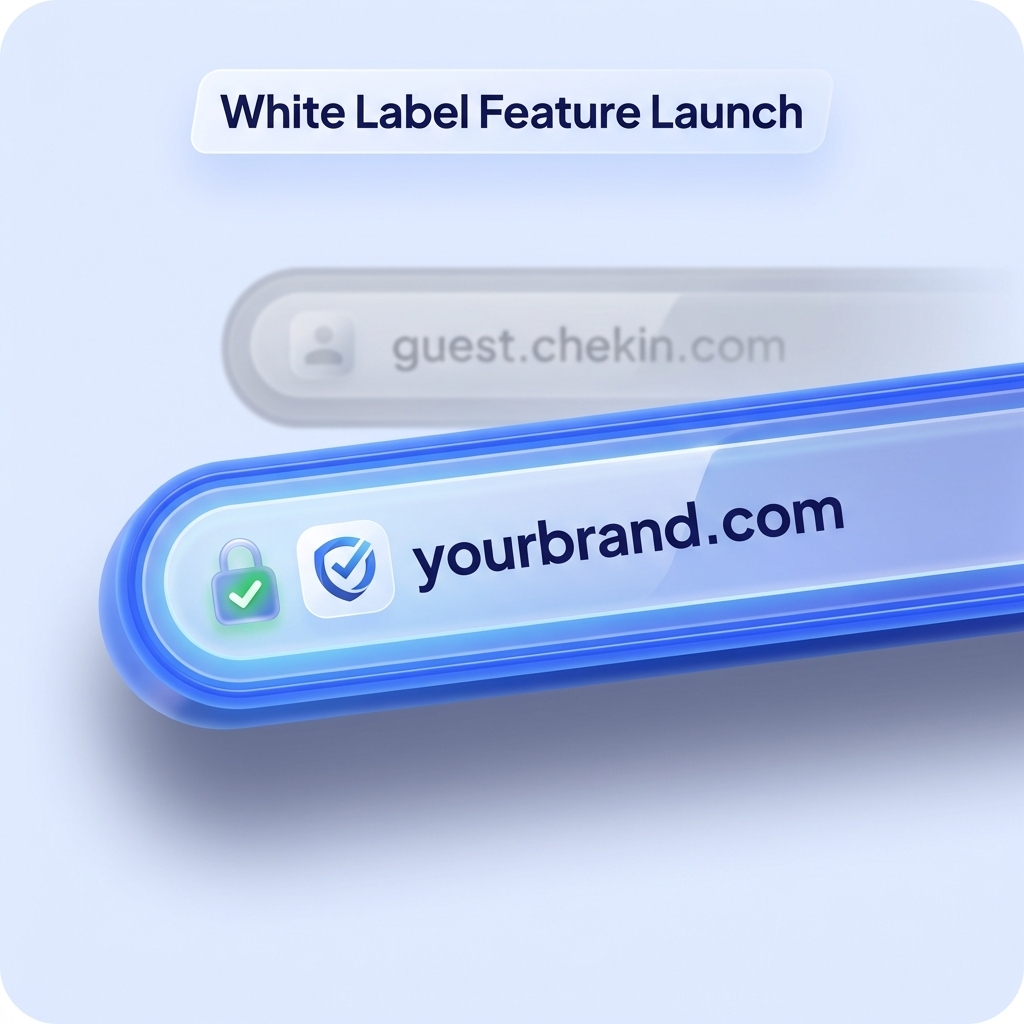
- Before: guests click a default Chekin URL.
- Now: guests click a branded URL that matches your company identity across every touchpoint.
Why check-in custom domains matter for vacation rental managers
When your portfolio scales, small friction points become expensive. Check-in custom domains help in three very practical ways:
1) Faster trust, fewer drop-offs
Guests are more likely to complete online check-in when the link clearly belongs to your brand—not an unknown domain.
2) A consistent brand across all properties and channels
Custom domains can apply automatically to guest-facing reservation links, including:
- Property links
- Guest App reservation links
- Custom email templates
- Automated reservation emails
- Any communication that routes a guest to their reservation
3) A premium guest experience without building your own system
Custom domains help you deliver a “native” branded feel without investing in a fully custom check-in platform—while keeping branding consistent across all guest touchpoints.
You may also be interested in:
Guest Messaging Made Easy: Chekin’s Unified Inbox Tool
Check-in custom domains in Chekin: two paths, one outcome
Chekin offers two ways to activate a branded URL, typically available within the White Label / Branding setup:
| Option | Example | Best for | What you need |
|---|---|---|---|
| Branded Chekin subdomain | yourbrand.portal.chekin… | Speed + no technical effort | Just choose a subdomain name |
| Your own custom domain | checkin.yourdomain.com | Premium ownership + max trust | DNS access (CNAME records) |
Option A — Branded Chekin subdomain (fastest)
If you want to go live quickly, choose the Chekin subdomain option. It requires no DNS changes and can be assigned instantly if the name is available.
Option B — Your own domain (most premium)
If you want full ownership, connect a domain you manage. Best practice is using a subdomain like portal.yourdomain.com or checkin.yourdomain.com.
This usually requires adding DNS records to validate SSL and activate the domain. Most setups go live in minutes once DNS changes propagate.
Where to set it up (and how to roll it out cleanly)
A rollout playbook that works well for multi-property operators:
- Start with one brand template and a branded domain.
- Apply it to a small set of properties first (pilot group).
- Track check-in completion rate, email click-through, and support questions.
- Roll out portfolio-wide once the domain is stable.
Best practices to increase completion rates
- Use a domain that signals purpose:
checkin.orportal.reduces confusion. - Keep the journey consistent: branded domain + branded visuals (logo/colors/fonts).
- If you run upsells or payment steps, branded links increase perceived security and professionalism across the full funnel.
Conclusion
Chekin’s Branded Guest App has evolved from a customizable check-in interface into a complete branded guest journey—where visuals match your identity and check-in custom domains ensure every guest link feels trustworthy from the very first click.
With two setup paths (instant branded subdomain or your own domain), you can choose speed, ownership, or both—while keeping the guest experience consistent across every property you manage.
Discover how Chekin can help you automate check-in, stay compliant, protect your property, and boost revenue—saving 87% of your time and earning more from every booking.
Free trial for 14 days. No credit card required!
FAQ
Are check-in custom domains included in Chekin?
They’re typically available within the White Label / Branding configuration.
Do custom domains apply to automated emails too?
Yes—once enabled, the branded domain can carry through guest-facing reservation links and automated communications.
What’s the easiest option if I don’t have technical support?
Use the branded Chekin subdomain—no DNS changes required.
Should I use my root domain or a subdomain?
A subdomain like checkin.yourdomain.com is usually the cleanest and easiest approach.
What else can I brand besides the domain?
You can typically brand the look and feel of the guest experience too (logo, colors, fonts), so the entire flow stays consistent.