Imagine never having to deliver keys in person again.
With Chekin Remote Access, you can connect, automate, and control smart locks directly from your Chekin dashboard — giving guests the freedom of self check-in while keeping your operations completely automated and secure.
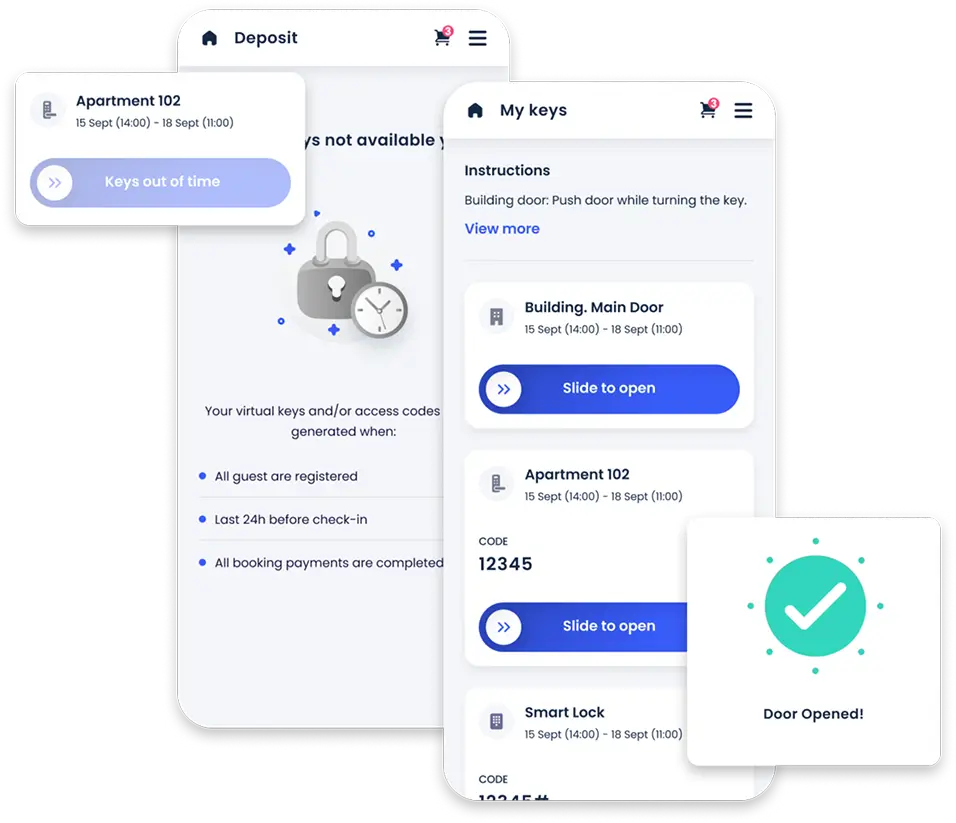
Access codes are automatically displayed within the Online Check-in page, based on your preferences — for example, only after all guests have completed registration and ID verification, ensuring compliance and security.
Send access codes to your guests automatically through: Email, SMS, WhatsApp.
Guests receive secure, time-bound codes directly through their preferred channel — no manual actions required.
Your locks stay clean, organized, and secure.
Stay informed with a clear dashboard that displays:
Manage all locks and access codes in one place, effortlessly.
In case of emergencies or guest issues, you can unlock doors remotely right from Chekin — securely, instantly, and fully traceable.
Need extra assurance? Chekin can automatically create backup access codes to guarantee uninterrupted guest entry at all times.
Easily link your smart locks to Chekin using your lock provider credentials.
Decide when and how access codes should be generated and shared with your guests.
Chekin takes care of everything — from guest verification and code creation to code deletion after checkout.
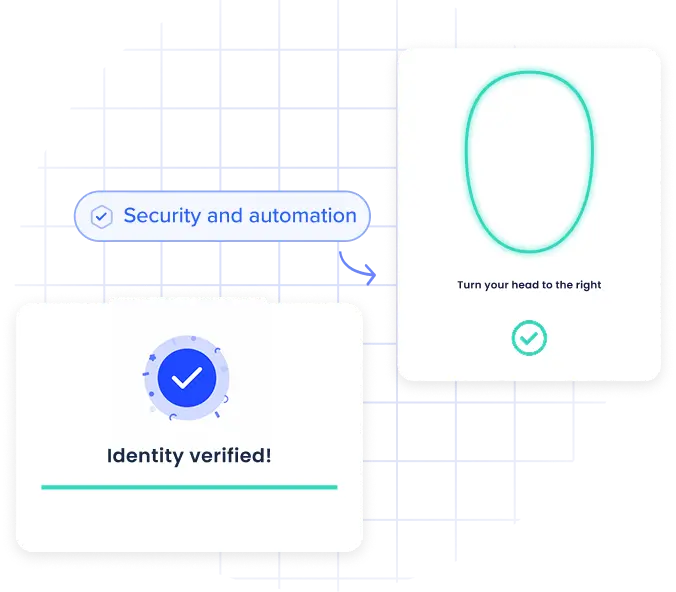
Because Chekin automates the entire check-in process, you can combine Remote Access with Chekin’s biometric and liveness verification.
This means codes are only shared once guest identity has been verified, adding an extra layer of protection against fraud or unauthorized entry.
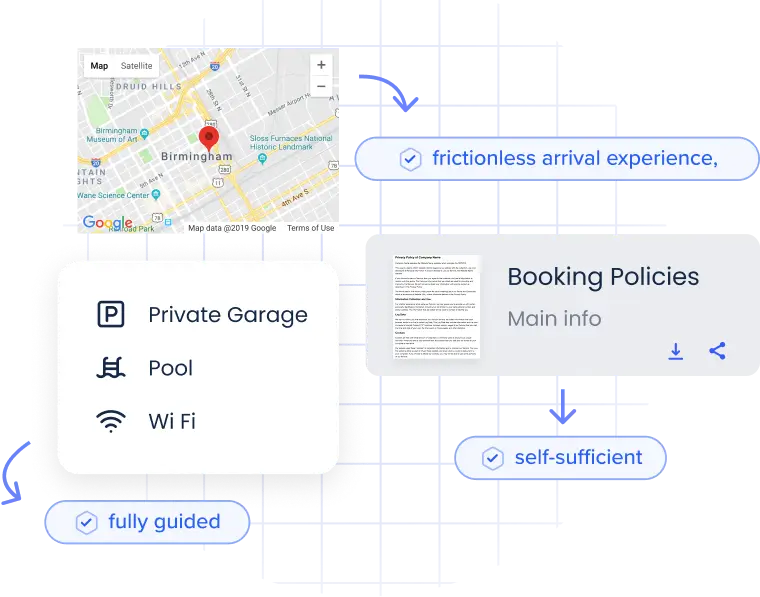
With Chekin Guidebooks, hosts can provide guests with all the necessary access instructions in one place:
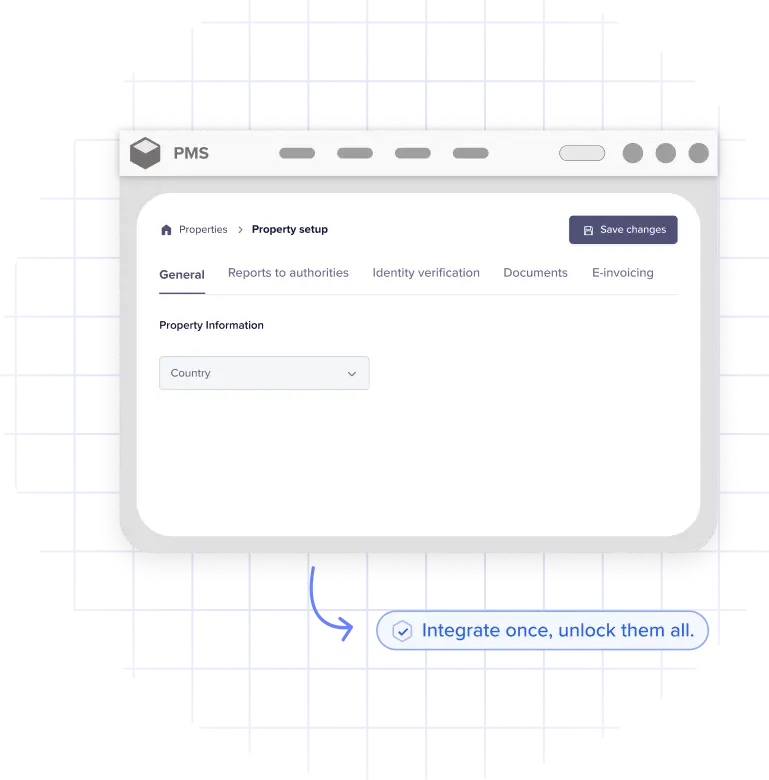
With the Chekin SDK, property management systems and partners can connect to 20+ smart lock providers through a single integration.
Deliver a complete smart lock ecosystem to your users — without building multiple integrations from scratch.
Chekin connects with the most trusted smart lock systems in the market, including:





And more — with new brands continuously added.
Fully automated — no manual key handover ever again
Biometric and liveness verification for secure access delivery
Multi-channel code delivery: Email, SMS, WhatsApp
Pre-arrival guest instructions via interactive Guidebooks
Real-time monitoring of lock status and battery
Easy SDK integration — connect 20+ lock brands in one go
Scalable, reliable, and effortless for property managers
To create the most seamless self check-in experience on the market. Save time, boost security, and make every guest arrival truly frictionless.
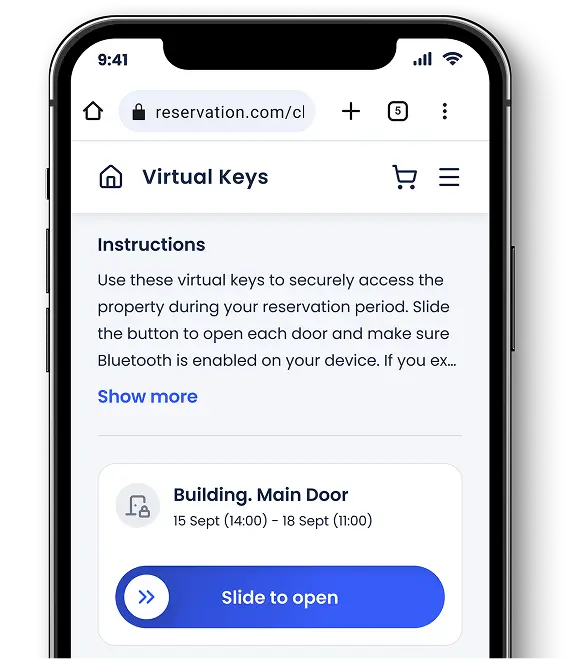
Powered by Chekin Remote Access
Seamlessly connect smart locks, automate access codes, and enhance security — all from one platform.
Make every guest check-in effortless, contactless, and fully verified.
Chekin Remote Access — the smartest way to manage property access.
Thanks to Chekin, we have automated the check-in processes that used to take up most of our time. Having it seamlessly integrated with our internal PMS is a significant advantage; everything stays perfectly synchronized between both tools.

Interhome
By automating guest check-ins with Chekin, we have reduced the time spent on manual check-ins by approximately 62.5%, eliminating the need for significant staff involvement and minimizing errors or delays.

Hybrid Resi
We have been working with Chekin since we managed 10 properties, and it has really helped us grow as a business. We now manage more than 120 properties throughout Spain.

R2R Consulting
It's very simple. In your dashboard, you must first select the property where you want to activate Self Check-in option. Once the feature is activated, we will ask you to choose your smart lock provider (check it here) and then add an API code that they must provide you to start the synchronisation of both accounts.
If the problem is caused by the lock itself, you will need to contact your smart lock company to fix the possible technical fault.
If, on the other hand, the problem is caused by the fact that your guests have not received the code that allows them to open the door, you can send them the code manually by WhatsApp, SMS or email, and contact us to solve it.
